Matte Corning Glass iPad Protector: Less Glare, More Control
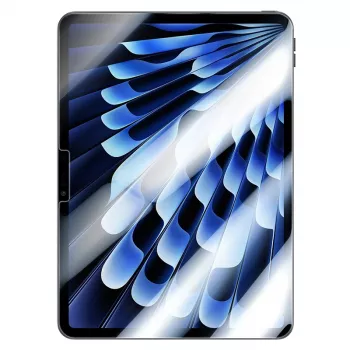
Matte Corning Glass Screen Protector for iPad: A Practical Upgrade for Glare, Smudges, and Pencil Control
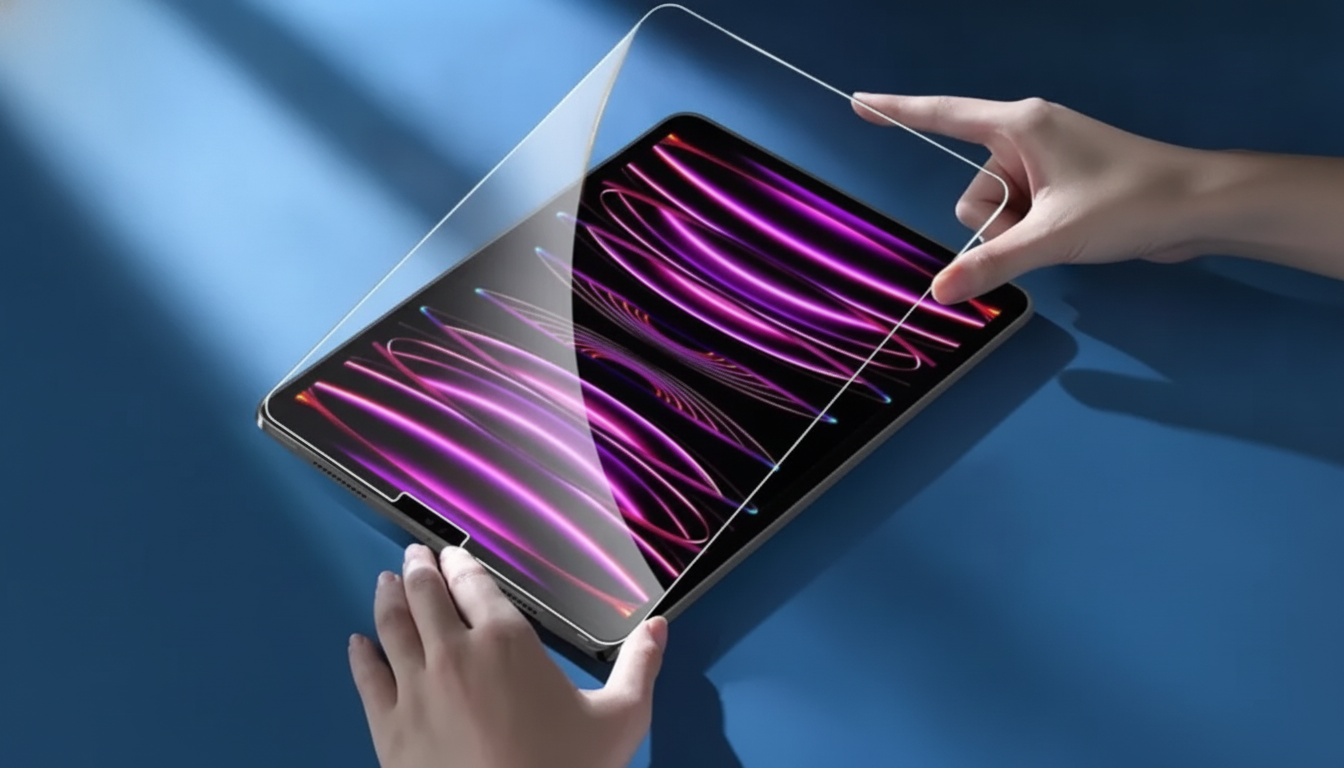
A matte glass screen protector can make an iPad noticeably easier to use in bright rooms, keep fingerprints from looking as dramatic, and add a more controlled feel for writing and drawing. If overhead lights, windows, or constant touch marks make the display feel “busy,” matte glass is often a comfort-first solution that still keeps the rigidity and scratch resistance people expect from tempered glass.
Below is what a matte Corning glass protector changes in daily use, who it’s best for, what trade-offs to expect versus clear glass, and how to install it cleanly with minimal dust and bubbles.
What a matte glass protector changes day to day
- Less glare in bright spaces: Matte finishes cut down mirror-like reflections compared with a bare display, which can make reading and note-taking easier under ceiling lights or near windows.
- Smudges look softer: Fingerprints and skin oils still happen, but the diffusion helps them blend in so the screen looks cleaner between wipes.
- More “paper-like” control: Many note-takers and sketchers prefer the slight texture because it reduces the slick skating feeling and can help slow strokes for better line placement.
- Everyday scratch defense: A glass protector helps shield against micro-scratches from grit, desk contact, and items in bags, while keeping a firm, glass-like surface.
Who benefits most
- Students and professionals: Long handwriting sessions can make glare and smudges more distracting than expected; matte is designed to reduce both.
- Artists using Apple Pencil: Added drag can improve control for hatching, slow curves, and consistent line work—especially if the screen feels too slippery.
- Travel and commute users: Cafes, trains, and planes often have changing light angles that produce reflections; matte typically feels calmer across lighting shifts.
- Shared-family iPads: Frequent tapping and swiping from multiple users increases smudge buildup, making a lower-shine surface easier to live with.
Matte vs clear protectors: practical trade-offs
Matte and clear glass protectors both protect the display, but they prioritize different parts of the experience. Clear glass aims for maximum crispness and contrast; matte focuses on comfort, glare control, and reducing how visible smudges appear.
Quick comparison
| Feature | Matte glass | Clear glass |
|---|---|---|
| Glare reduction | High | Low to moderate |
| Fingerprint visibility | Lower | Higher |
| Perceived sharpness/contrast | Slightly reduced | Highest |
| Apple Pencil feel | More controlled drag | Smoother glide |
| Best for | Notes, drawing, bright rooms | Video, photos, maximum clarity |
One more real-world consideration: matte texture can increase stylus tip wear over time compared with glossy glass, depending on how textured the surface is and how much pressure is used. For many daily note-takers, that’s an acceptable trade for the added control.
Fit, compatibility, and setup expectations
Fit matters as much as finish. iPads with similar names can have different dimensions, bezel sizes, and camera/sensor cutouts, so it’s worth confirming the exact model before ordering. Apple’s official guide can help verify the model and generation: Apple Support — Identify your iPad model.
- Confirm model and screen size: A protector that’s off by even a small amount may interfere with cases or leave edges exposed.
- Check cutouts and alignment: Precise cutouts help avoid blocking the front camera or sensors.
- Case friendliness: Some protectors intentionally leave a tiny margin around edges to reduce lifting with tight cases.
- Keyboard case use: If the iPad opens/closes frequently in a keyboard case, strong edge adhesion helps prevent corners from catching and peeling.
For those curious about the material heritage, Corning’s overview of its glass technology provides background on why glass surfaces are widely used for durability in consumer devices: Corning — Gorilla Glass overview.
Installation tips for a clean result
Care, cleaning, and longevity
Pairing ideas for a better iPad setup
- Keep tips organized for consistent feel: Daily note-takers and artists often appreciate having spare tips ready to go. Pair with Compact Storage Box for Apple Pencil Tips.
- Add a reliable cable for travel and desk: A spare cable reduces downtime when the primary one is in another bag or room. Consider USB Type C to Lightning Fast Charging Cable for Apple iPhone 15/14/13/12.
Product option
If reduced glare and a more controlled writing feel are priorities, this option is designed to deliver a matte finish while keeping the rigidity of glass: Matte Corning Glass Screen Protector for iPad.
FAQ
Will a matte glass protector reduce screen clarity?
Matte diffusion can slightly soften perceived sharpness and contrast compared with clear glass, especially on fine text or high-contrast images. The trade-off is improved comfort from reduced reflections, which can make the screen easier to view in bright rooms.
Does a matte surface affect Apple Pencil performance?
A matte surface typically adds drag, which many users find improves control for writing and drawing. It can also lead to slightly faster tip wear depending on pressure and texture, so keeping spare tips is helpful for frequent Pencil use.
How can bubbles and dust be avoided during installation?
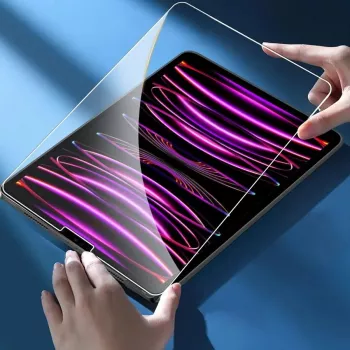
Clean hands, wipe with microfiber and an alcohol wipe (if included), and use a dust sticker as the final step before placement. Install in a low-dust room, align carefully, then press bubbles outward; if dust is trapped, lift gently with tape and remove the speck with a dust sticker.






Leave a comment